
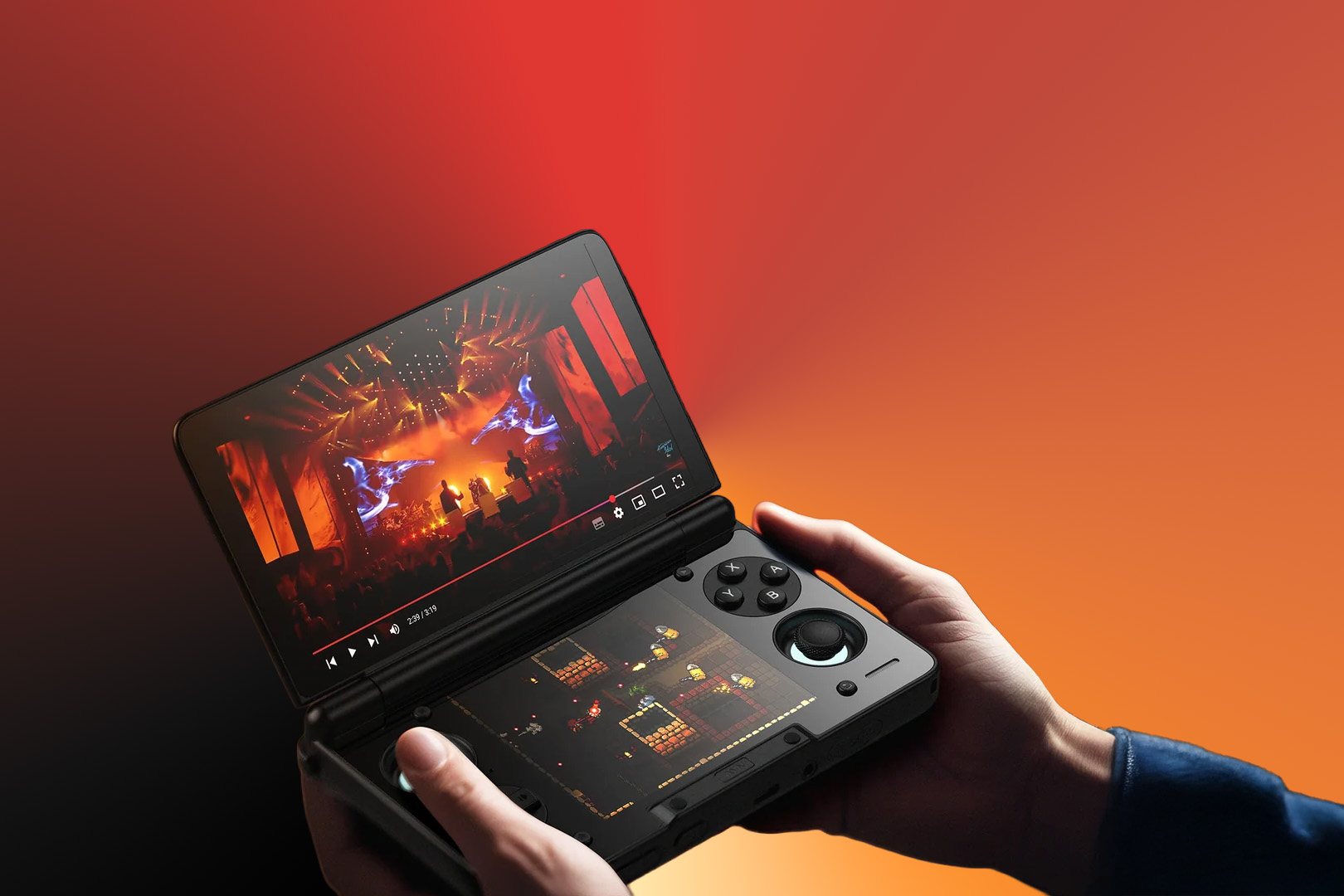
Do you want to get the most out of your AYN Thor or AYANEO Pocket DS? – Check out this handy guide!
Dual-screen handhelds officially moved past the ‘gimmick’ phase in 2025. What started as a niche for DS emulation has evolved into a versatile hardware category. Beyond just clamshell folding screens, the community has developed a suite of tools that turn that second display into a dedicated space for guides, system controls, and secondary PC inputs. While this guide was written with the AYN Thor in mind most if not all of these tools should also work with the AYANEO Pocket DS or the Retroid Dual Screen add-on. Many might even work with the budget friendly Anbernic DS, though its relatively weak hardware might be a limiting factor. Don’t own a dual screen handheld yet? Check out our list of the best dual screen handhelds!
Emulators with Dual Screen support
While many systems can be played on these devices, the Nintendo DS, 3DS, and Wii U are the primary systems that benefit from a dual-screen layout. The following apps allow you to map the top and bottom screens natively, removing the need for awkward ‘picture-in-picture’ configurations
- Azahar (3DS) – The current king of 3DS emulation on Android. Unlike the older Citra builds, Azahar features a dedicated “Secondary Display” toggle in the settings that perfectly maps the bottom touch screen without any awkward layout stretching.
- Citra MJJ (3DS) – A performance-tuned fork by weihuoya. While it has fewer bells and whistles than Azahar, it’s the “speed hack” choice for demanding titles like Monster Hunter 4 Ultimate.
- MelonDS (SapphireRhodonite Fork) – Don’t use the Play Store version! This specific fork is the only way to get a true native dual-screen output for DS games. It treats the bottom screen as a separate hardware layer, reducing input lag for stylus-heavy games.
- Cemu (SSimco Android Port) – The Wii U dream is real. This unofficial port allows you to move the “GamePad” view entirely to the bottom screen, leaving your 6-inch top display for pure 1080p action.
Dual screen PC gaming
Beyond emulation, developers are using the second screen to solve UI clutter in PC ports. These tools allow you to move high-touch elements like keyboards, trackpads, and inventory menus to the bottom display, keeping the main game view unobstructed.
- GameNative – This is a game-changer for PC gaming on Android. The latest 0.7.1 update adds a “Hybrid Layout” that puts a full Windows-style keyboard and a high-precision trackpad on the bottom screen, turning the Thor into a mini gaming laptop.
- Amethyst – If you play Minecraft, this is a must-install. It’s a specialized launcher for Java Edition that mimics the 3DS version of Minecraft, placing your inventory, crafting grid, and map on the bottom screen while you play on the top.
Dual screen frontends and launchers
These tools make the device feel like a cohesive console rather than two android devices glued together.
- Console Launcher – A versatile, Switch-inspired UI that treats the second screen as a dynamic dashboard. It can be configured to show your current play clock and real-time RetroAchievements progress on the bottom display while you browse your library on the top.
- iiSU –A newer project designed to mimic the social features of the DS and Wii U eras. It includes a built-in “Network” for messaging and sharing screenshots with other users, alongside a highly customizable dual-screen interface.
- Cocoon Frontend – Currently one of the community favourites for the AYN Thor. It uses a 3DS-inspired grid where you can browse your library on the bottom screen while the top screen displays game-specific metadata, high-resolution box art, and system info.
- ES-DE Dual Screen Companion – If you already love EmulationStation-DE, this companion app is mandatory. It syncs with your main ES-DE instance to display dynamic marquees and game manuals on the second screen as you scroll.
- Járngreipr – A highly customizable, “power-user” launcher designed specifically to work alongside Mjolnir. It’s lightweight and built for speed.
Other tools for dual screen retro handhelds
These are the “glue” that holds the experience together.
- DualScreenDex – An incredible community tool for Pokémon fans. It uses OCR (Optical Character Recognition) to “watch” the top screen and automatically pull up Pokédex data, weaknesses, and stats on the bottom screen in real-time.
- Mjolnir – Essential for Thor owners. It’s a “Home Button Router.” It lets you decide exactly which screen “Home” takes you to, or even maps a double-tap to swap apps between the top and bottom displays.
- Pixel Guide – This is the app that turns your second screen into a “strategy guide” hub. It’s designed specifically to pull guides from GameFAQs and other sources, stripping away the ads and formatting them perfectly for the bottom screen.
- DS-keyboard – A system-level keyboard that remains permanently docked on the bottom screen. Perfect for MMOs or searching your massive library without the stock Android keyboard covering half your game.
- AYANEO Pocket DS Magnifier – Originally for the AYANEO but works perfectly on the Thor. It allows you to “magnify” a small section of the top screen (like a mini-map or inventory icons) and display it full-screen on the bottom.
Want more apps for retro handhelds? Check out our massive resource for must have retro handheld apps.